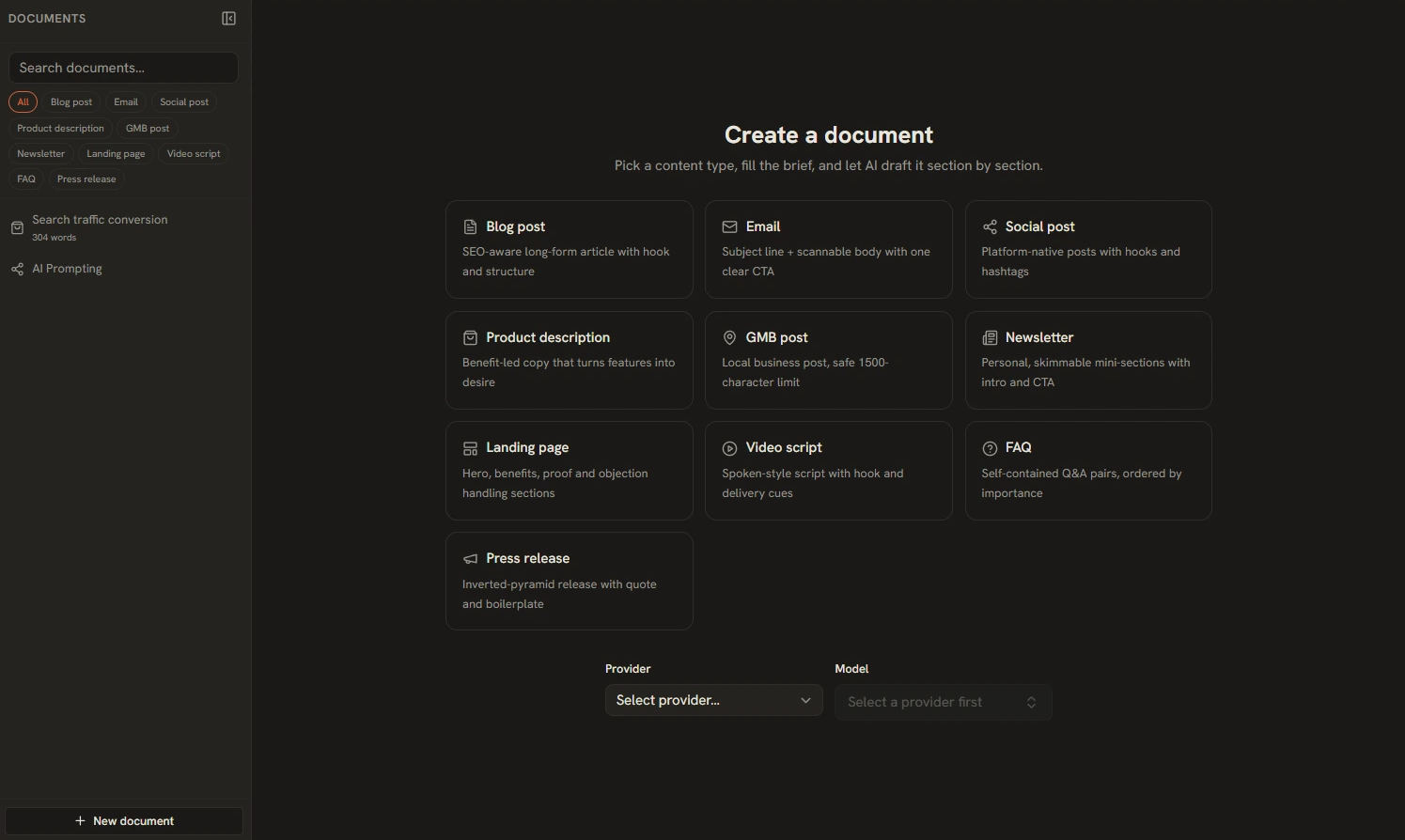
The AI Writing Assistant covers 10 content types — Blog, Email, Social, Product Description, GMB, Newsletter, Landing Page, Video Script, FAQ, and Press Release. The right workflow depends on the length: long-form gets a wizard, short-form gets one shot.
The Long-Form Wizard: Brief → Outline → Draft → Refine
- Brief — describe the piece: topic, audience, goal, and any must-include points.
- Outline — the assistant proposes sections. Reorder them by dragging, add or remove sections before any drafting happens.
- Draft — sections are written one at a time with running context, so the draft stays coherent instead of feeling like stitched-together paragraphs.
- Refine — polish the assembled draft (see the Refine panel below).
One-Shot for Short-Form
Social posts, emails, and product descriptions don't need an outline — so they skip it. You go Brief → Generate → Refine in one pass. No bogus outline step for a tweet.
The Refine Panel
The Refine step offers 8 quick chips plus custom instructions:
Click a chip to apply it, or type custom instructions like "add a customer quote after the intro." Refinements stack — run SEO pass, then Punchier, then review.
Per-Platform Variants
From a single brief, generate platform-specific variants for X, LinkedIn, Instagram, Facebook, and TikTok. Each platform has a hard character limit, and the tool enforces it in three layers: strict prompts first, a corrective AI retry if the draft overflows, and a last-resort sentence-boundary trim. What you paste into each platform always fits.
The Documents Workspace
Every piece you start becomes a document in a searchable left rail. Tag chips filter by content type, each doc shows its word count, and the copy button gives green "Copied" feedback. Everything persists in local SQLite — close the app, come back tomorrow, it's all still there.
Best Practices
- Fix the outline before drafting — restructuring after drafting wastes generations; the outline is cheap to edit.
- Write real briefs — include audience and goal, not just a topic. The brief drives every later step.
- Refine in passes — one chip at a time, review between passes.
- Generate variants from the final brief — after the long-form piece is right, spin off social variants from the same source of truth.